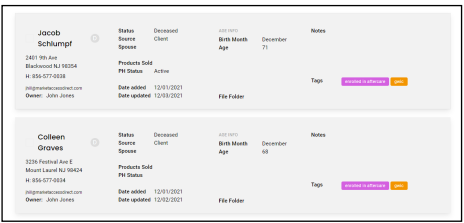
1. The contacts in this system need to include living and deceased contacts. When a contact is deceased we need to ensure that no communication goes to them. These deceased contacts will turn to grey in list view as an indicator that they have passed.
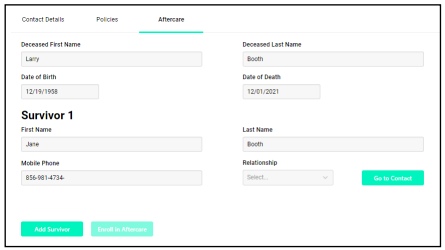
2. When the status of the contact is changed to “deceased” and the record is saved, a new tab is added to the contact record called “aftercare”. At that same time the existing contact details on the original contact tab all become greyed out and are not able to be edited. At this time no further emails can be sent to a contact with “deceased as it’s status.

3. A new tab is added called Aftercare. Once the date of death is completed and saved, survivor information can be input. Up to 7 survivors can be added. The data per survivor that needs to be included is first and last name, relationship to deceased, and a phone number.
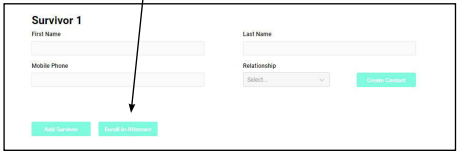
4. You can click on Enroll in Aftercare if you are participating in the Aftercare by Text program.
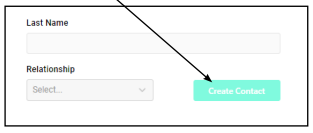
5. If you want to create a contact record for any of the survivors, click on Create Contact button. This creates a new record for the survivors as well as filling in the Associated Deceased contact field in the new contact record.