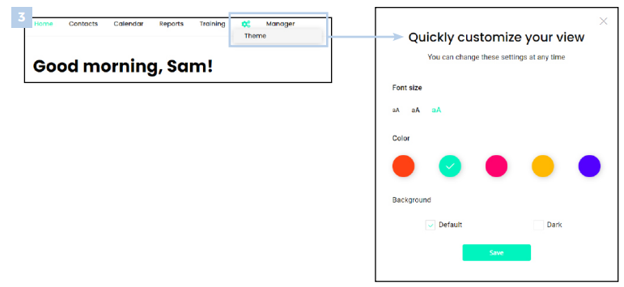
1. Customize your homepage by organizing all sections in a layout you prefer. You can also change your font, color, and theme at any time.
1. Select the gear icon in the top right and choose which sections you want to display on your homepage.
2. Drag and drop the boxes to re-arrange the layout of the sections.
3. Select the gear icon on the top toolbar to change your font size, color, and theme.
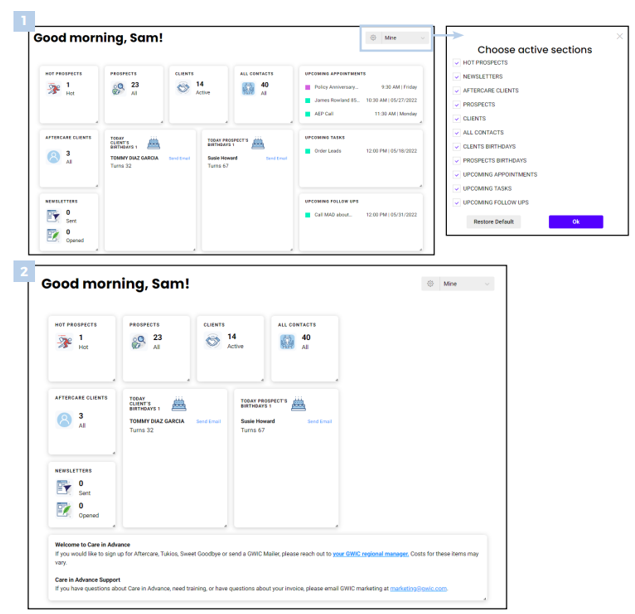
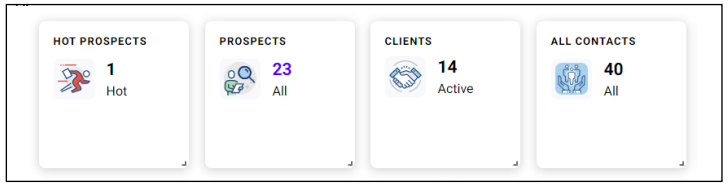
2. On your homepage you can view Hot Prospects, Prospects, Clients and All Contacts. Hot Prospects are prospects that were added in the last 30 days. Click on any of the numbers on your homepage to view that specific list of contacts.
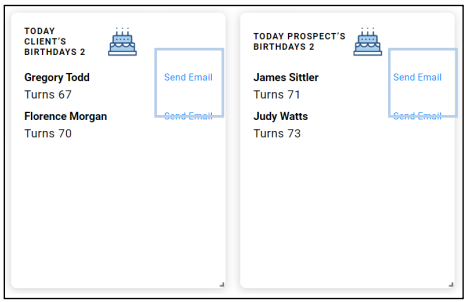
3. You can also see which clients and prospects have a birthday today and send them a Happy Birthday E-mail right from this page using the Send E-mail button.
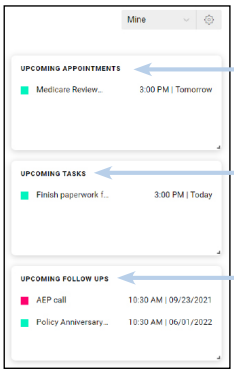
4. Your upcoming Appointments, Tasks and Follow Up’s are also listed on the homepage so you never miss an upcoming event.
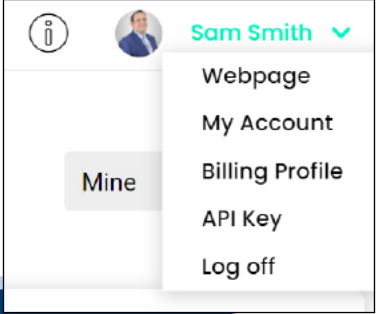
5. To update the contact information on your webpage, click on your name and select My Account and Webpage. To view your webpage just select Webpage in the dropdown. To update your payment information select Billing Profile in the dropdown.