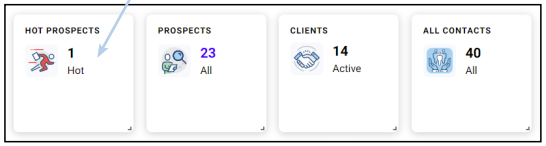
1. Login to careinadvance.com. Once you are on your homepage – you will see the Hot Prospects, Prospects and Clients boxes – a contact can only exist in one of these categories. Click the number based on the section you want to call and/or email. Hot Prospects are leads that have been added in the past 30 days.
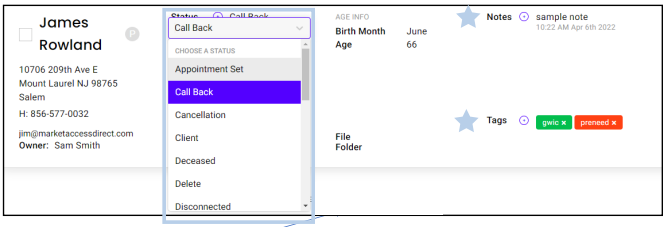
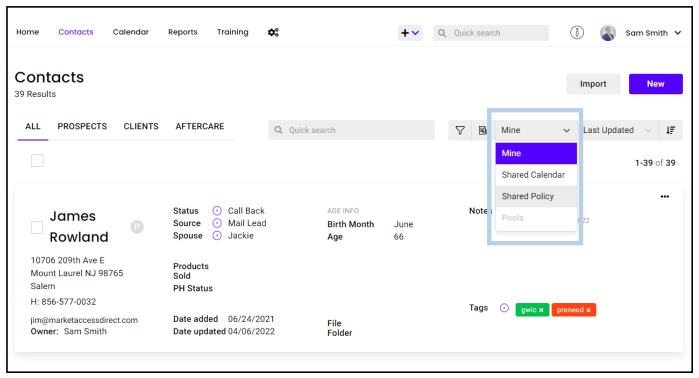
2. Updating Your Contacts: When you click on the number you will get the list of these contacts. You can update many fields from the list view: Status, Source, Notes, Tags and Spouse (Simply click the + ). To edit all other fields, you can click the on the name to open the record and make changes.